
If your PHP scripts contain errors, your application compiled with ExeOutput for PHP can display them.
ExeOutput for PHP provides several options to help you debug your app and resolve potential errors. These are accessible on the PHP Debugging page.
First, we strongly recommend activating these two options when you start a project:
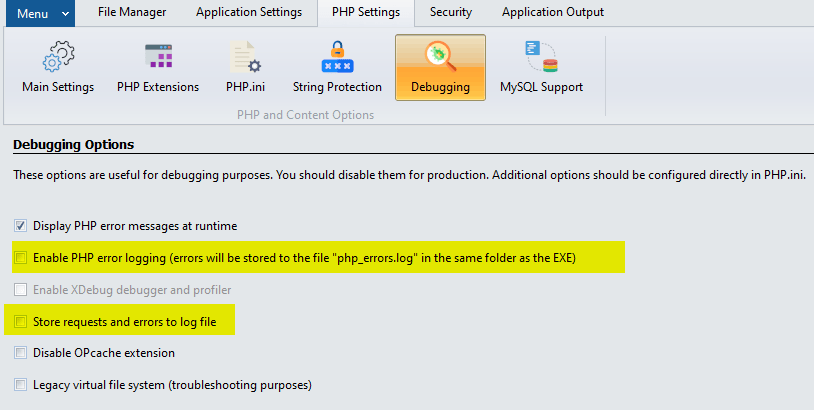
Enable PHP Error Logging #
This option automatically configures the error reporting settings in PHP.INI so that any PHP error is stored in a file named php_errors.log, located in the same folder as the application’s EXE file. For instance, if your EXE path is C:\My Documents\Output\myprogram.exe, the full path to the log file will be C:\My Documents\Output\php_errors.log.
Note
The error_reporting level can be configured in the php.ini file.
Store Requests and Errors in Log File #
When this option is enabled, the application writes all accessed URLs and any errors (such as PHP errors, warnings, or 404 “resource not found” errors) to a log file. This is similar to web server logs.
This log file is also stored in the same folder as the application’s EXE file.
Warning
ExeOutput for PHP does not automatically delete log files.


