
Powerful UI Design Tools for PHP Desktop Apps
ExeOutput for PHP empowers you to build modern, sophisticated user interfaces with an intuitive visual editor. Design your PHP applications with customizable ribbons, classic toolbars, skins, UI components, pop-up windows, and system tray icons.
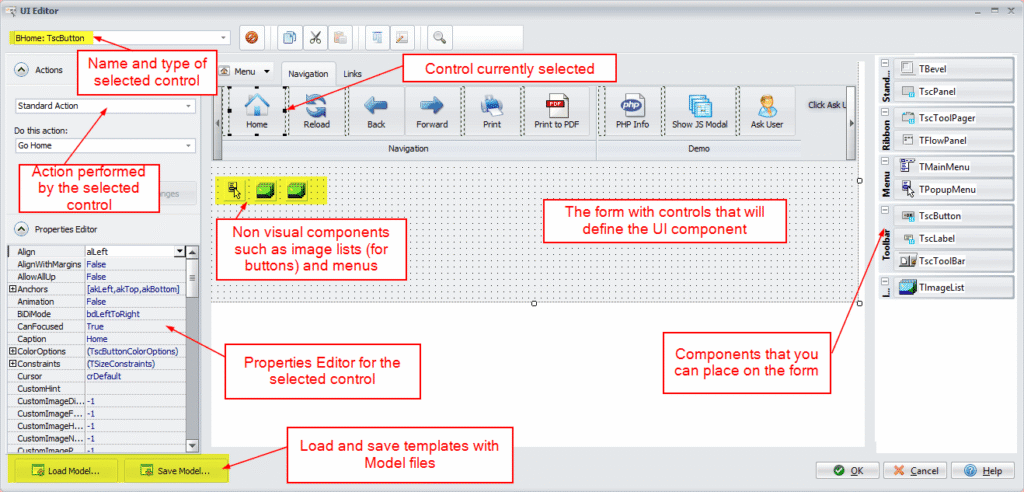
- Build modern and complex user interfaces with a visual editor, featuring ribbons, toolbars, skins, UI components, pop-ups, and system tray icons.
- Flexible UI Templates: Start with pre-defined UI templates (ribbons, buttons, tool panels) and customize them to fit your application's specific needs.
Easily Configure and Skin Your Application's UI
Instantly change the look and feel of your PHP GUI application with extensive skin support. Select from a library of themes or use the skin editor to create a unique appearance.
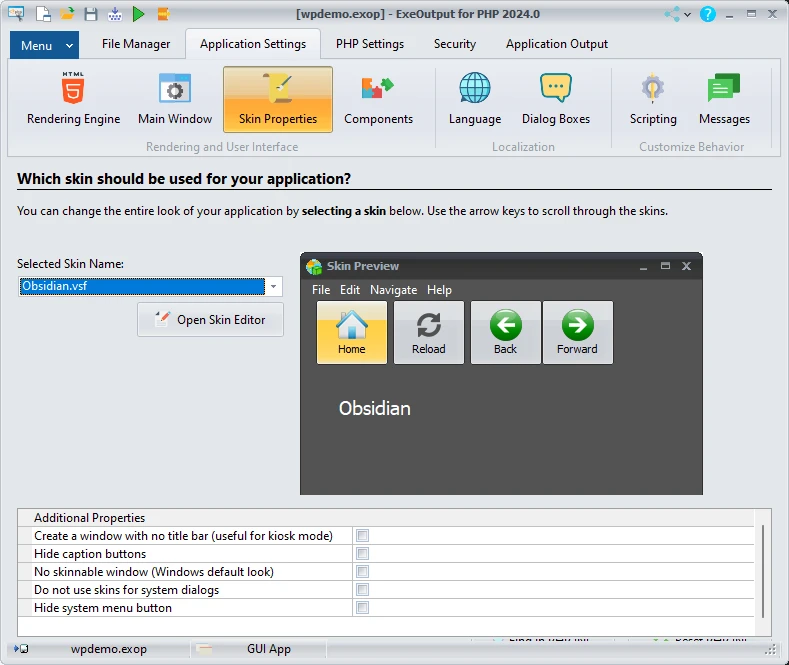
- Effortless Skinning: Instantly change your app's entire look with built-in skin support. A skin editor is also included for deep customization.
- Interactive UI Actions: Associate actions with menu items and buttons to control application behavior when users interact with them.
- Standard & Custom Actions: Use pre-defined actions (Back, Print, Exit) or create custom ones to open pages or execute PHP and JavaScript code.
Build Console and Server Applications
ExeOutput for PHP also lets you create console (CLI) applications for command-line tasks and standalone HTTP server applications that can be accessed from any web browser, all while benefiting from ExeOutput’s powerful features.
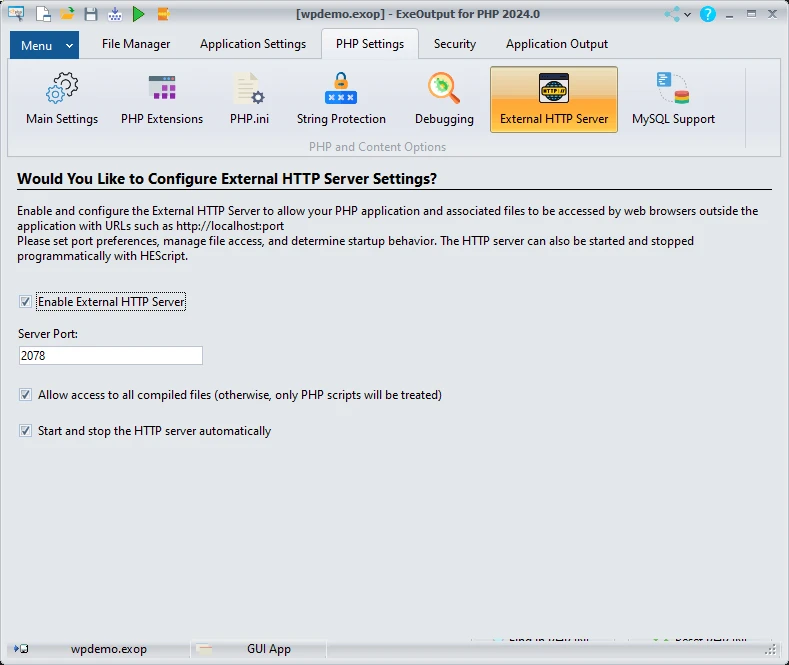
Create Standalone Server Applications
Build self-contained server applications accessible from any standard web browser, with all the advantages of ExeOutput:
- Integrated PHP Runtime: No separate PHP installation is needed; the runtime is embedded directly in the EXE.
- Enhanced Security: PHP scripts are never extracted to disk, keeping your source code secure from unauthorized access.
- Full Portability: Standalone server apps can be easily distributed and run on any Windows machine without extra configuration.
- Seamless Updates: Effortlessly update your application by distributing a single new EXE file.